
cc-session
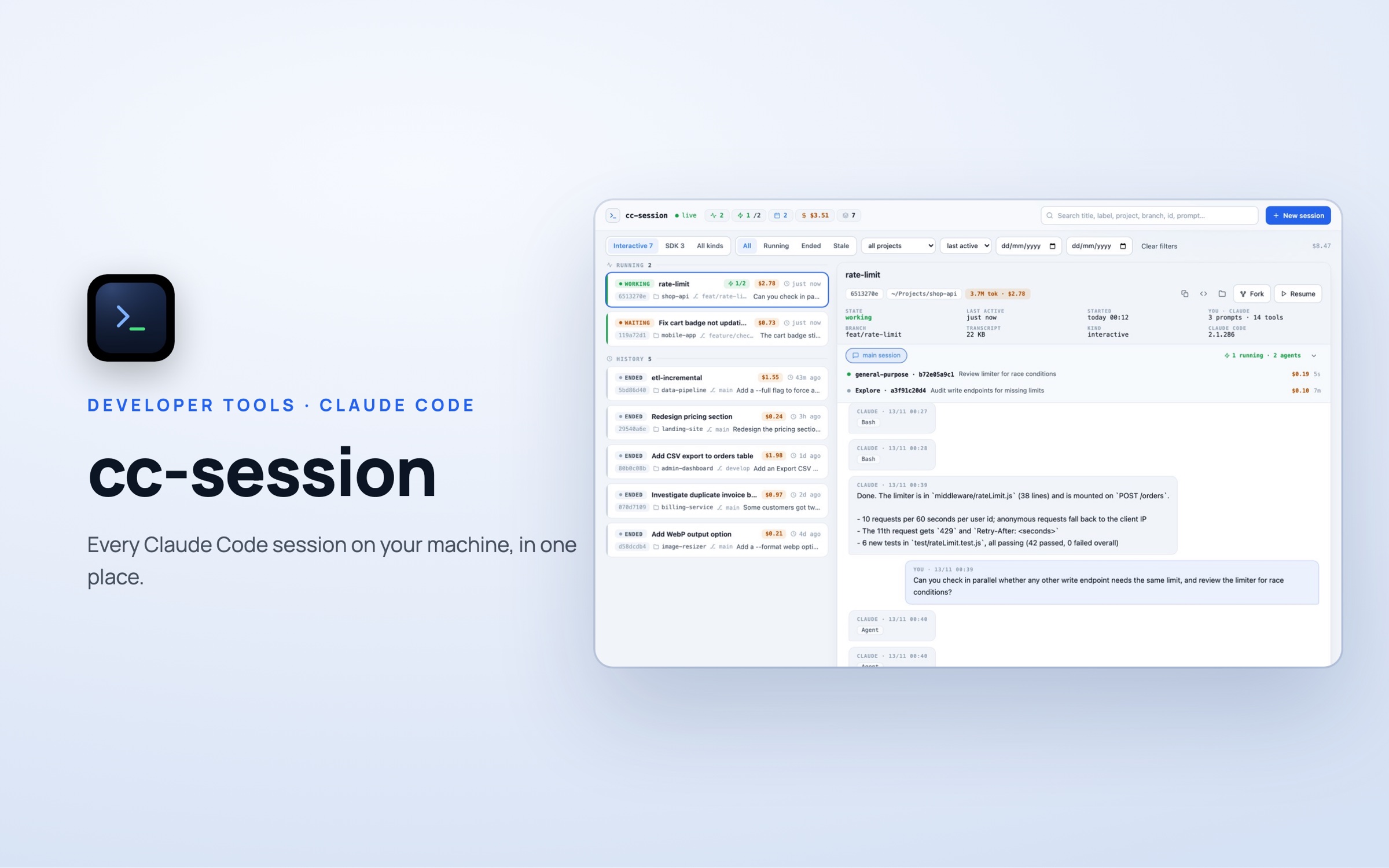
A registry of every Claude Code session on your Mac — which are running, which agents each one started and what each cost — with start, resume, fork and stop by name.
 cc-session
The problem
Claude Code starts a new, anonymous session on every run. Across many projects it gets hard to tell which session is still working, which agents are active and what it all cost.
Our answer
cc-session records every session automatically through four Claude Code hooks and lets you manage them by a readable label instead of an ID — from the command line, a terminal UI, a local web dashboard or a menu-bar app.
A quick look at cc-session
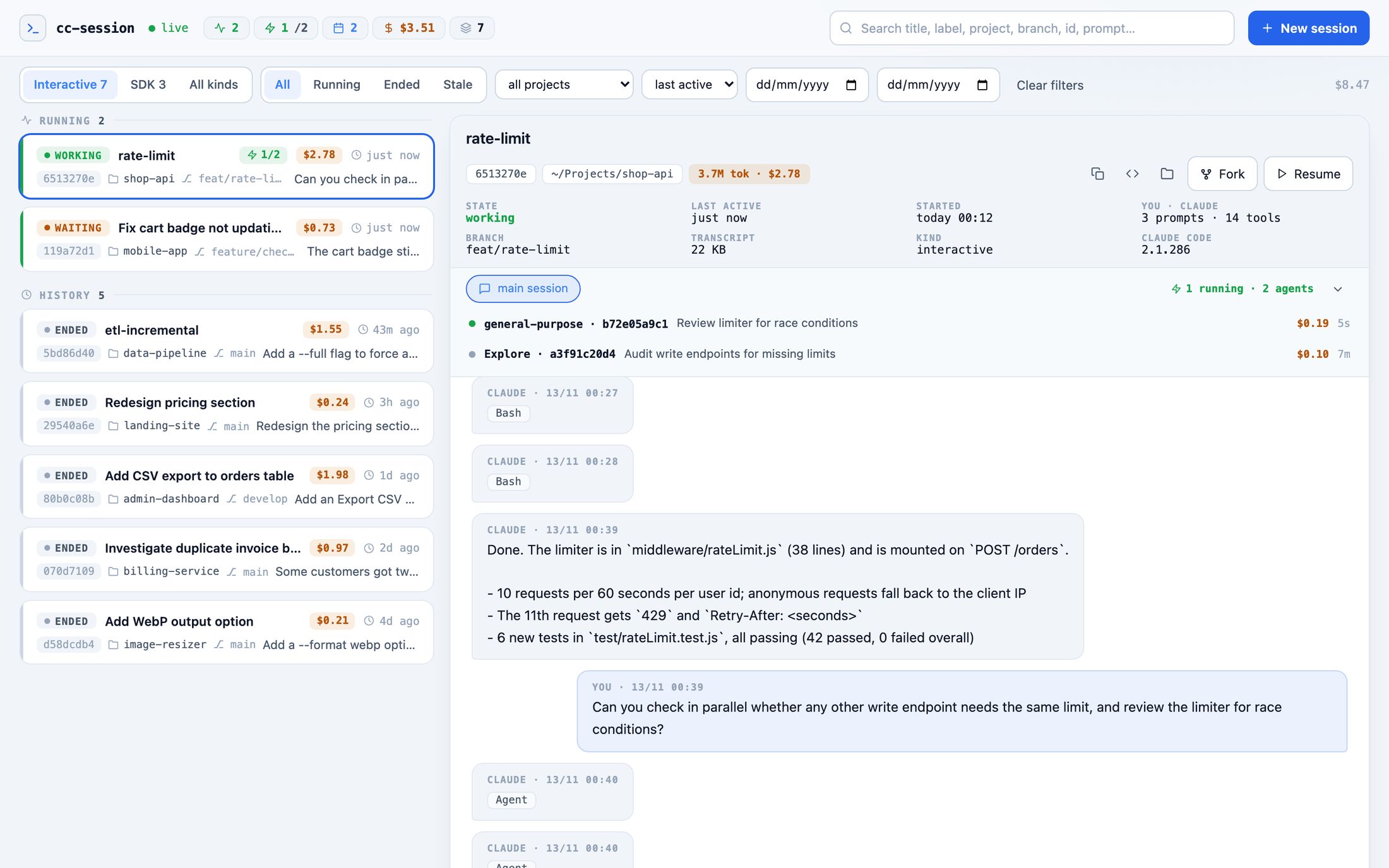
Dashboard
Running and past sessions on the left; the selected one's details, agents and conversation on the right.
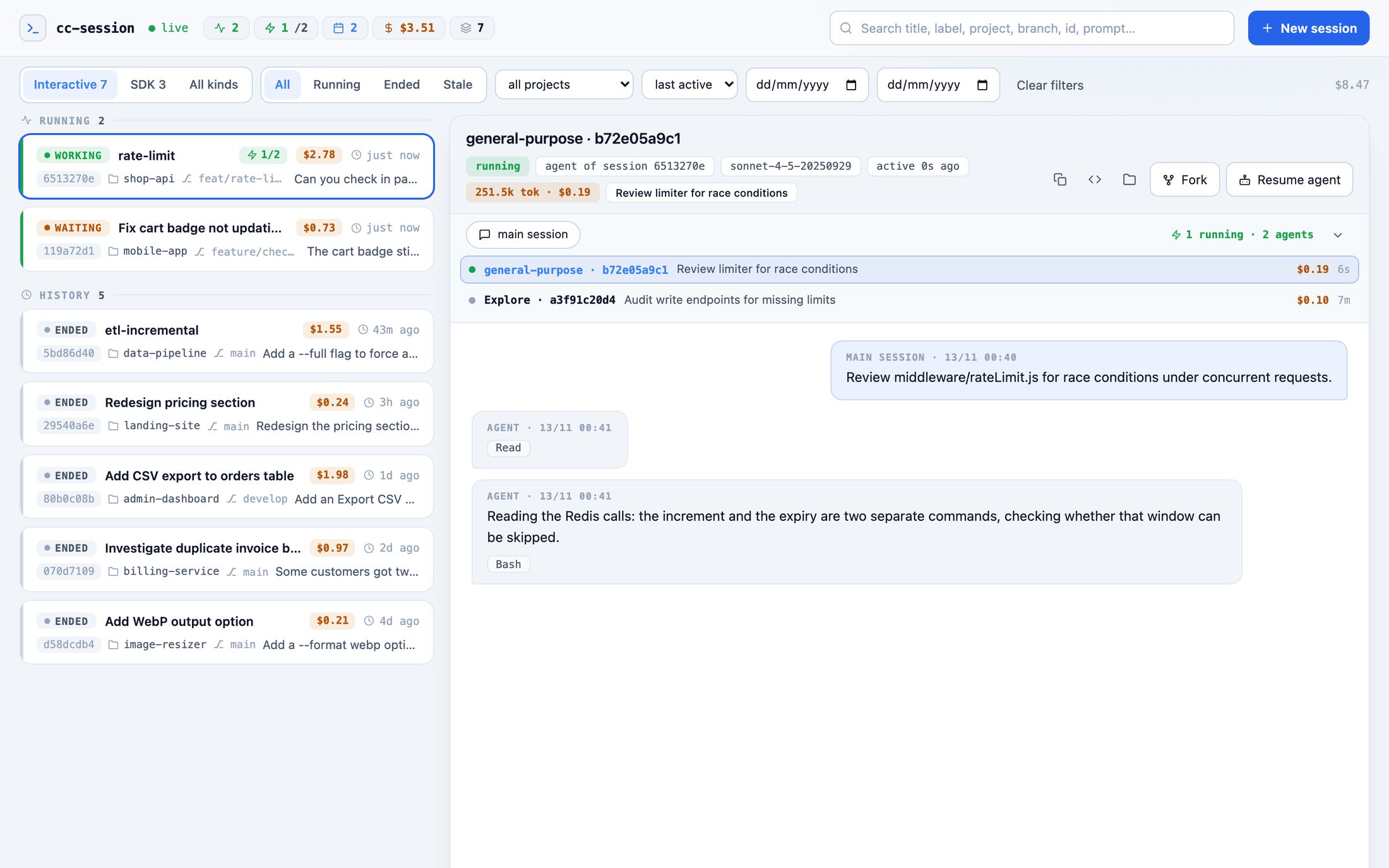
Inside an agent
Open any agent a session started to read its own conversation, tokens and cost.
What it does
- One live registry — every session on the machine with its state, project, branch and last activity.
- Agent tracking — which agents a session started, which are still running, and each one's own conversation.
- Control by label — start, resume, fork or stop a session by name — scriptable for automation.
- Tokens and cost — estimates per session, per agent and per day.
Have an idea? Let's make it real.
Tell us the problem you are trying to solve — a proposed solution and roadmap within 48 hours.
Start a project