
CleanMac
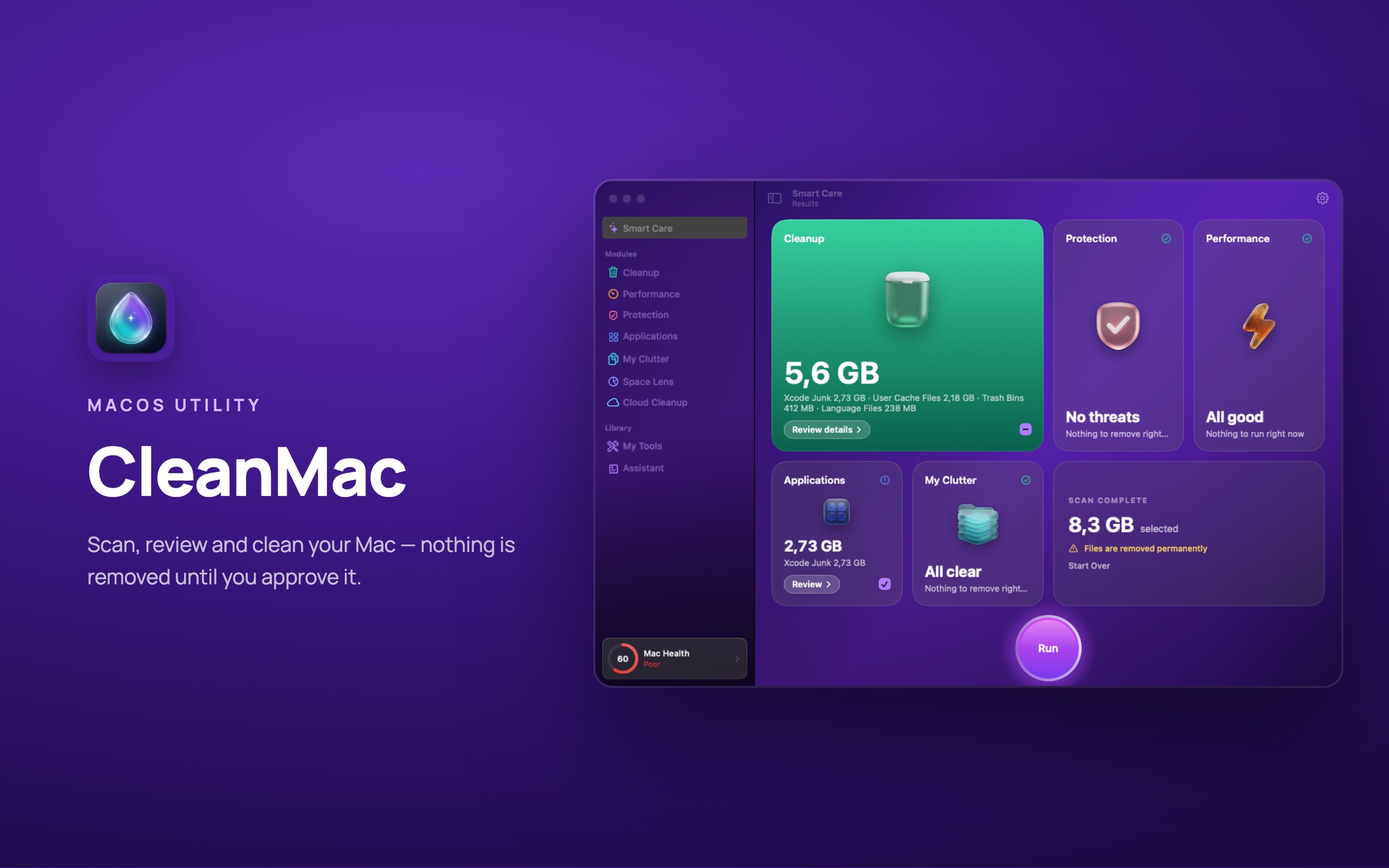
A native macOS utility that scans for junk, threats and slowdowns in one pass — and removes nothing until you have reviewed it.
 CleanMac
The problem
Macs slowly fill with caches, Xcode leftovers, old installers and duplicate files, and most cleaners delete first and explain later.
Our answer
CleanMac runs one Smart Care scan across cleanup, protection, performance, apps and clutter, shows exactly what it found, and cleans only what you approve — to the Trash by default, so it can be undone.
A quick look at CleanMac
Cleanup
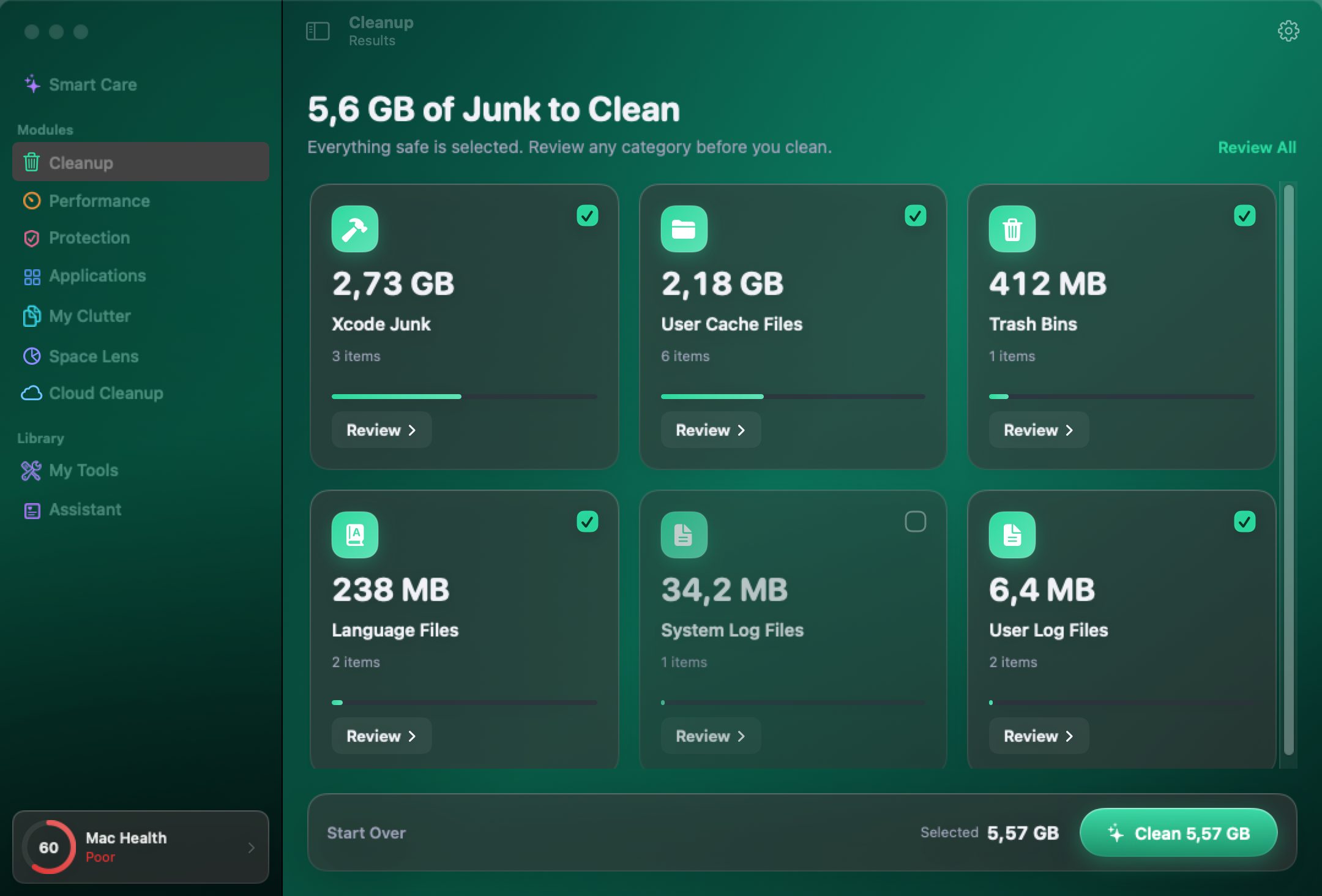
Junk grouped by category with sizes — everything safe is pre-selected, everything else is your call.

Protection
Malware heuristics, privacy traces across browsers and app permissions, checked on the device.
Space Lens
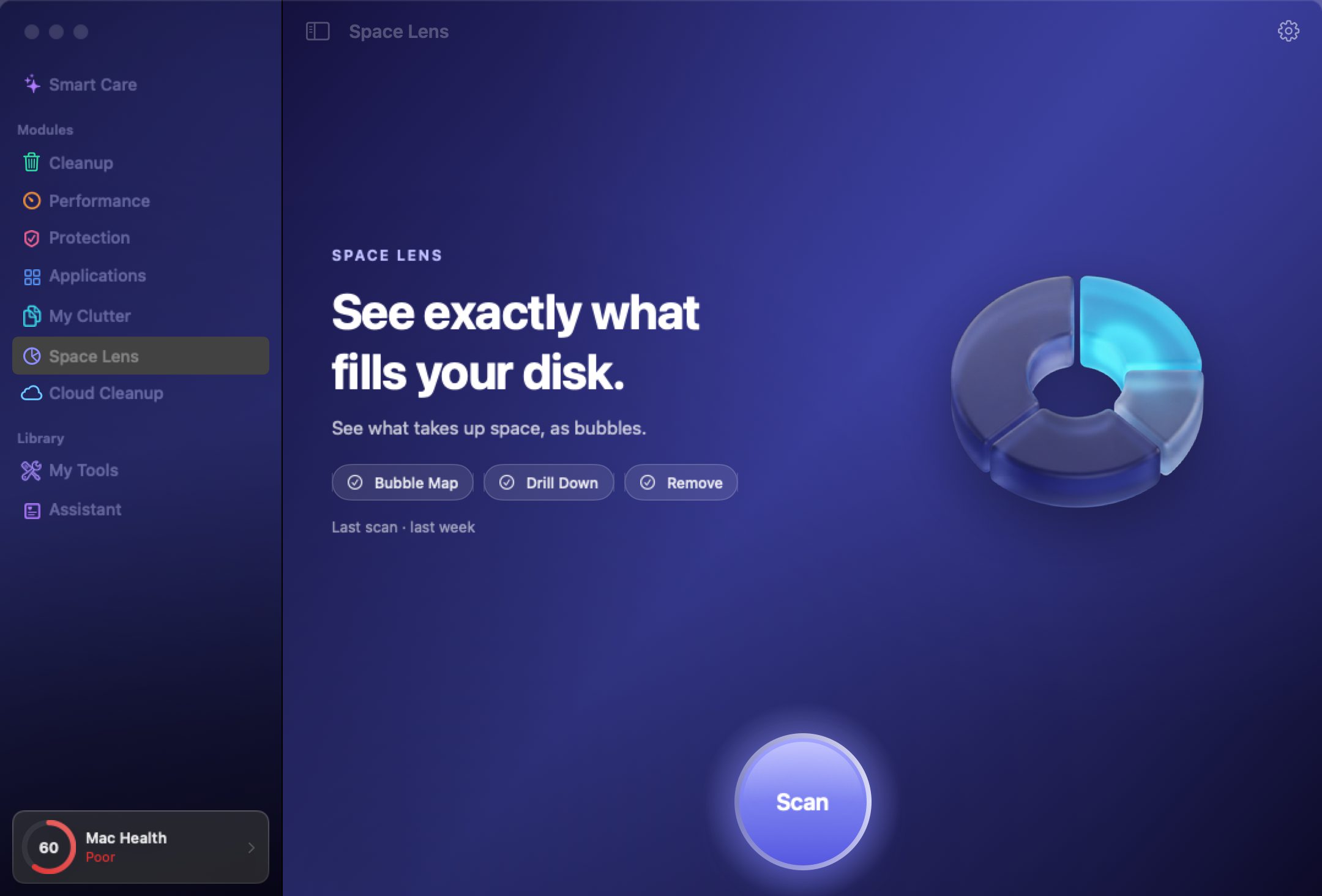
A bubble map of what actually fills the disk, with drill-down and remove.
What it does
- Smart Care — one scan covering junk, threats, speed, app updates and clutter.
- Cleanup — 16 cleanup tasks — caches, logs, Xcode junk, language files, Trash bins and more.
- Protection — on-device malware heuristics and a privacy sweep across major browsers.
- Space Lens & My Clutter — see what fills the disk; find duplicates and similar images.
Have an idea? Let's make it real.
Tell us the problem you are trying to solve — a proposed solution and roadmap within 48 hours.
Start a project