
ProjectHub
A local dashboard for every code project on one Mac: what is running and on which port — with start, stop and live logs one click away.
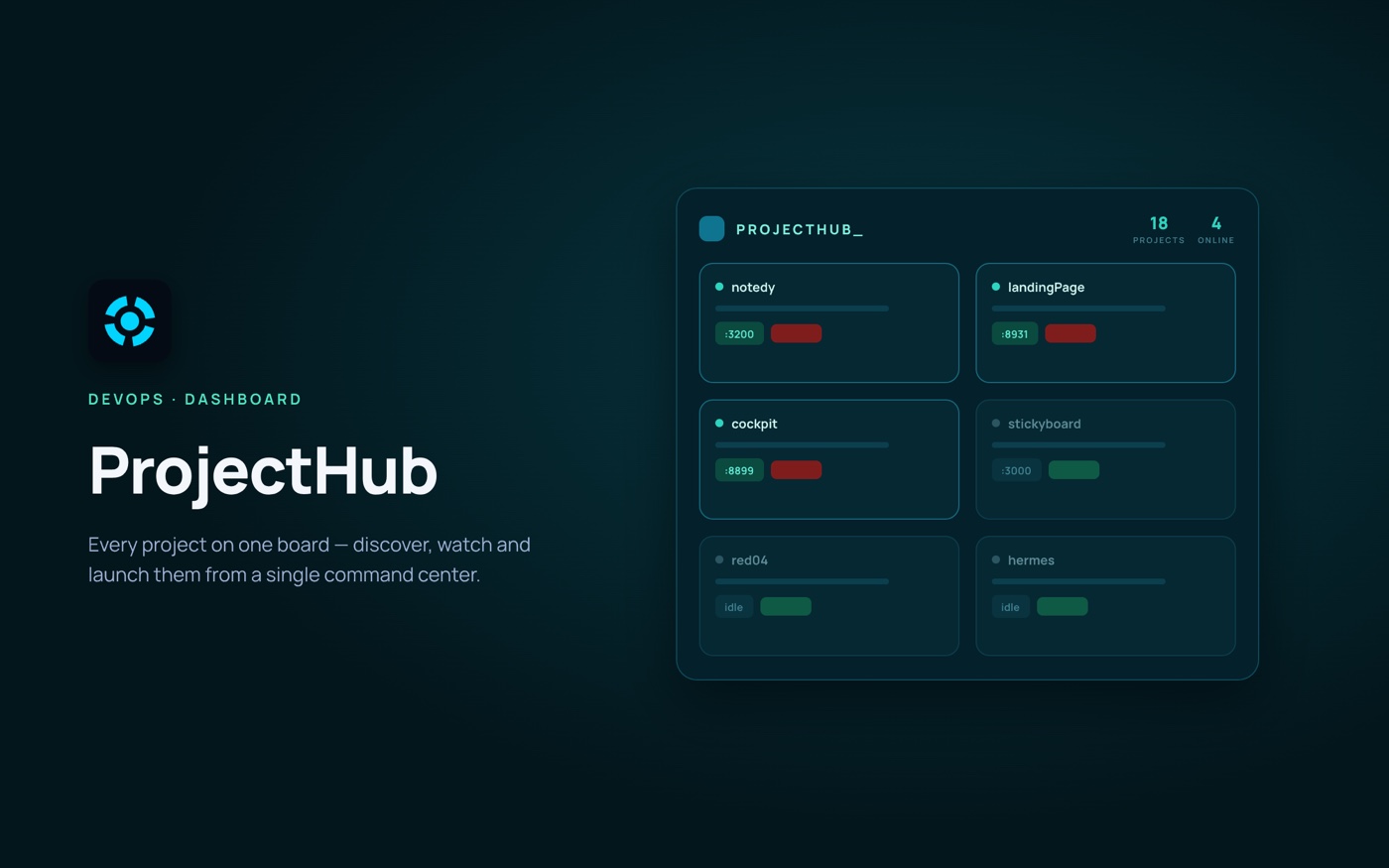 ProjectHub
The problem
With dozens of projects on one machine, nobody remembers which ones are running, which port each one holds, or the exact command that starts it.
Our answer
ProjectHub scans the folders you choose, recognises each project by its files, maps every listening port back to the project that owns it, and starts or stops it with the command it detects. It runs on localhost only and needs nothing but Node.js.
A quick look at ProjectHub
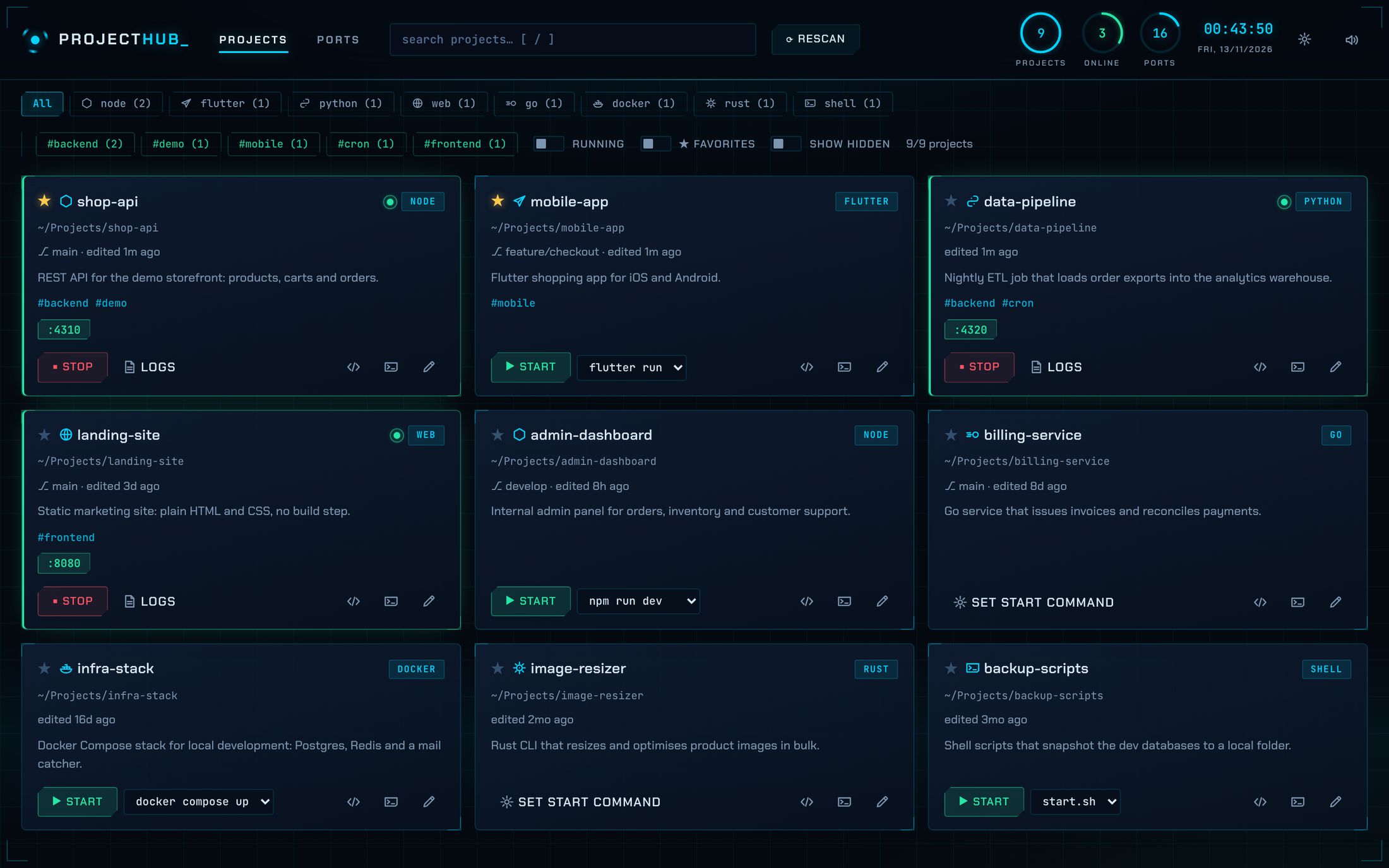
Projects
Every project with its type, branch, tags and description; the running ones show their ports.
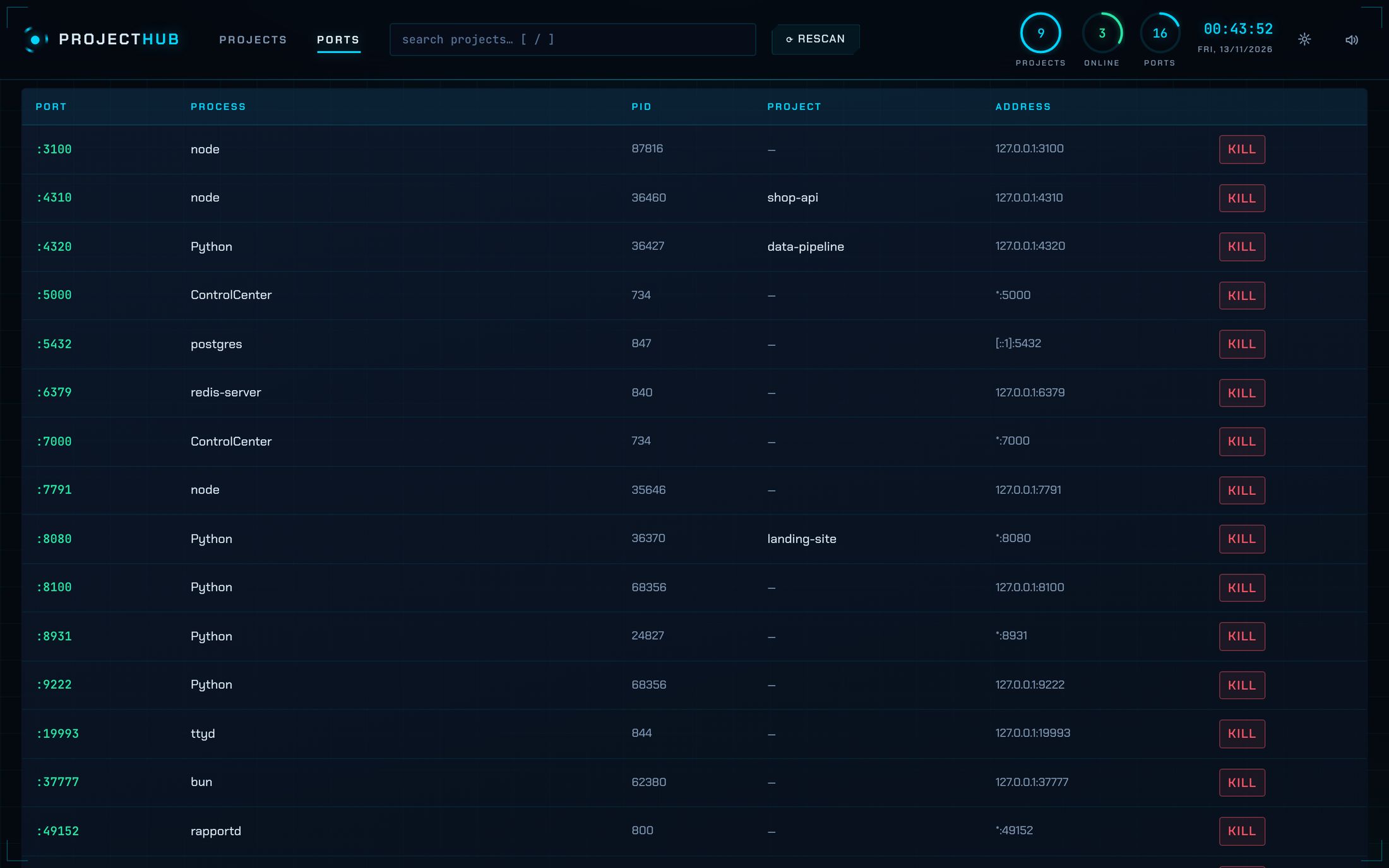
Ports
Each listening port on the machine with its process and the project it belongs to.
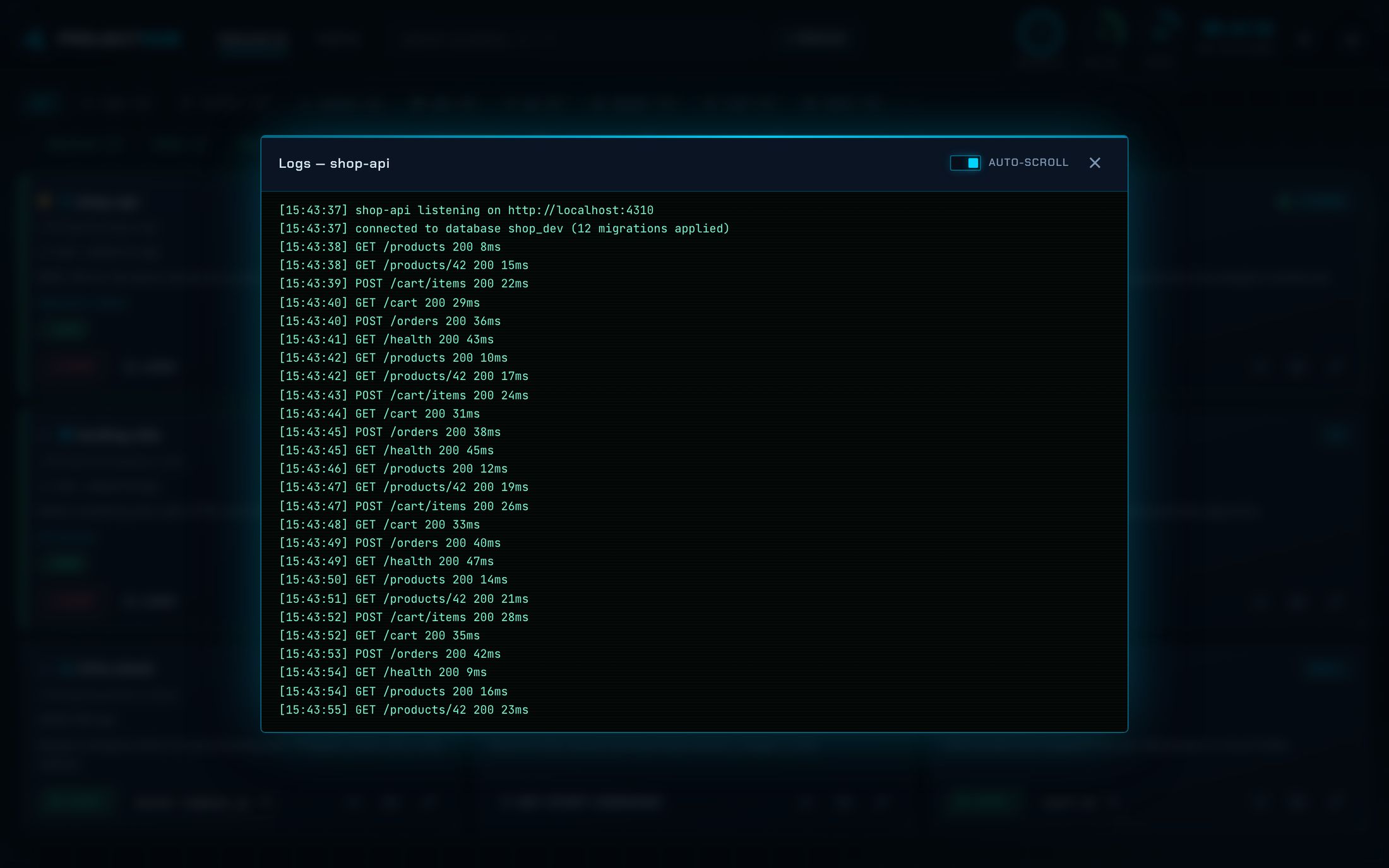
Live logs
Output of anything started from the hub, streamed as it happens.
What it does
- Automatic discovery — finds the projects in your root folders and shows type, git branch, last edit and the README description.
- Port map — every listening port on the machine, matched to its project, with a Kill button.
- Start, stop, logs — detects the start command — start.sh, npm scripts, Docker Compose and more — or takes your own, and tails live logs.
- Stay organised — notes, tags, favourites, search and filters; open any project in Finder, VS Code or Terminal.
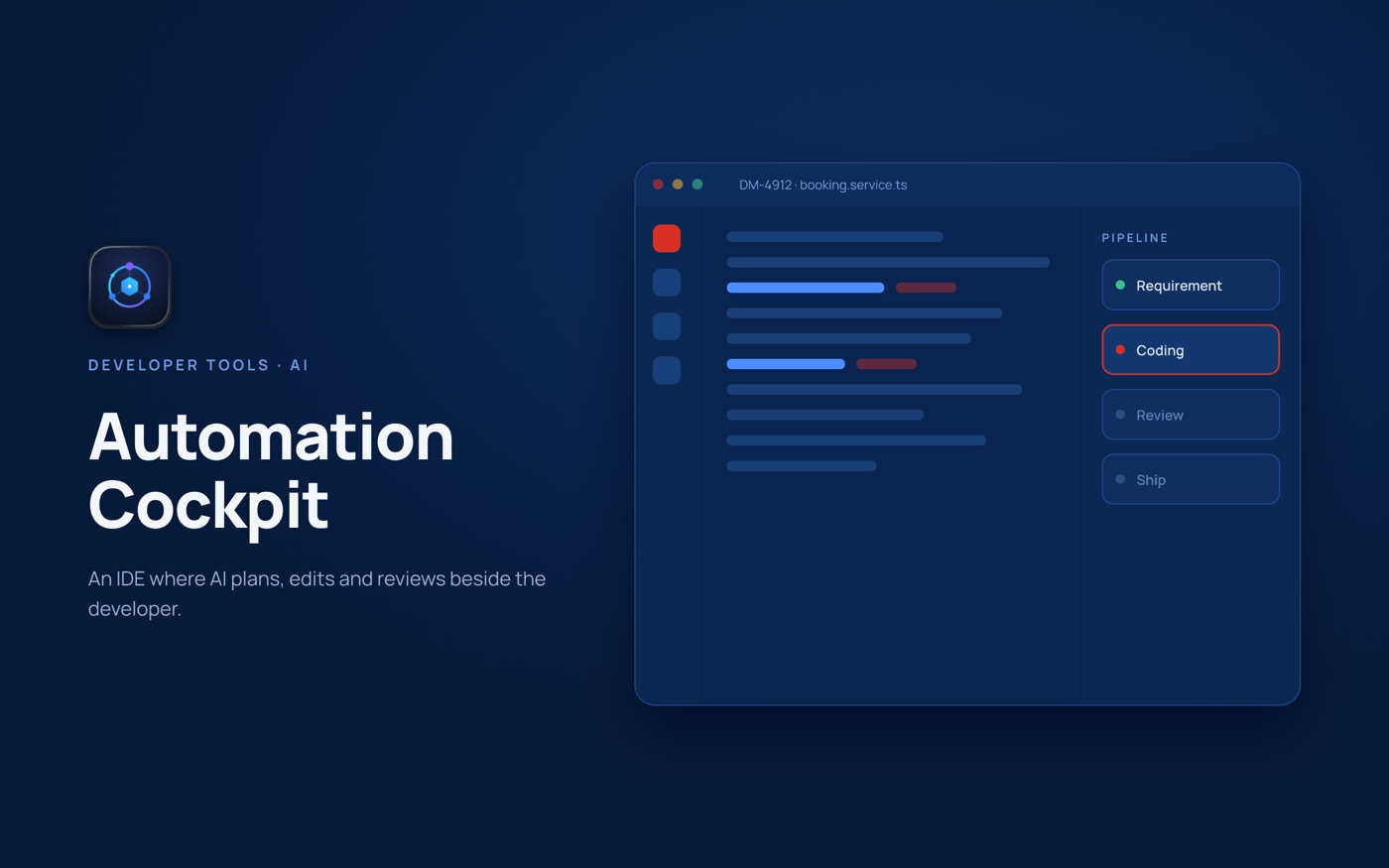 Automation Cockpit
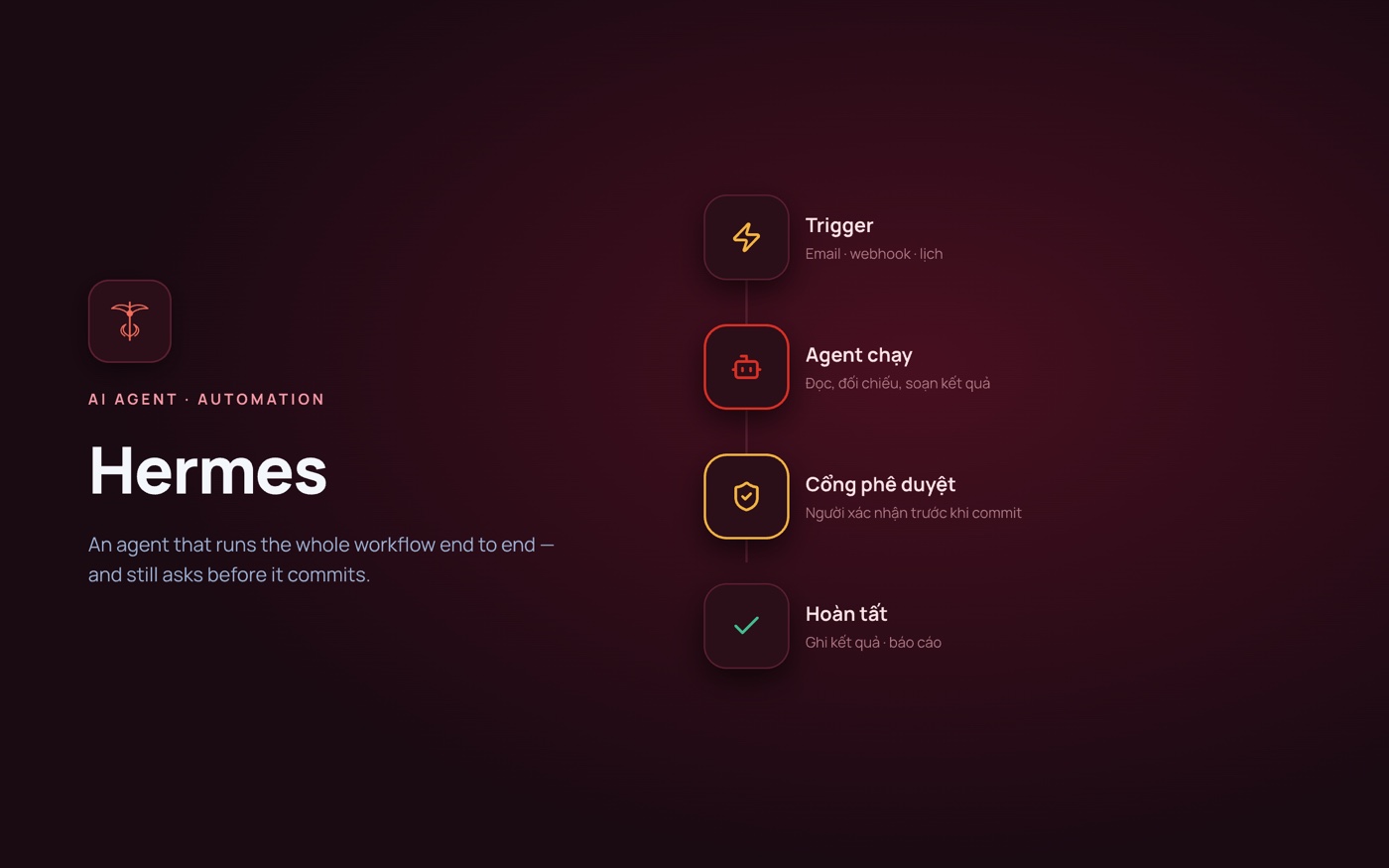 Hermes
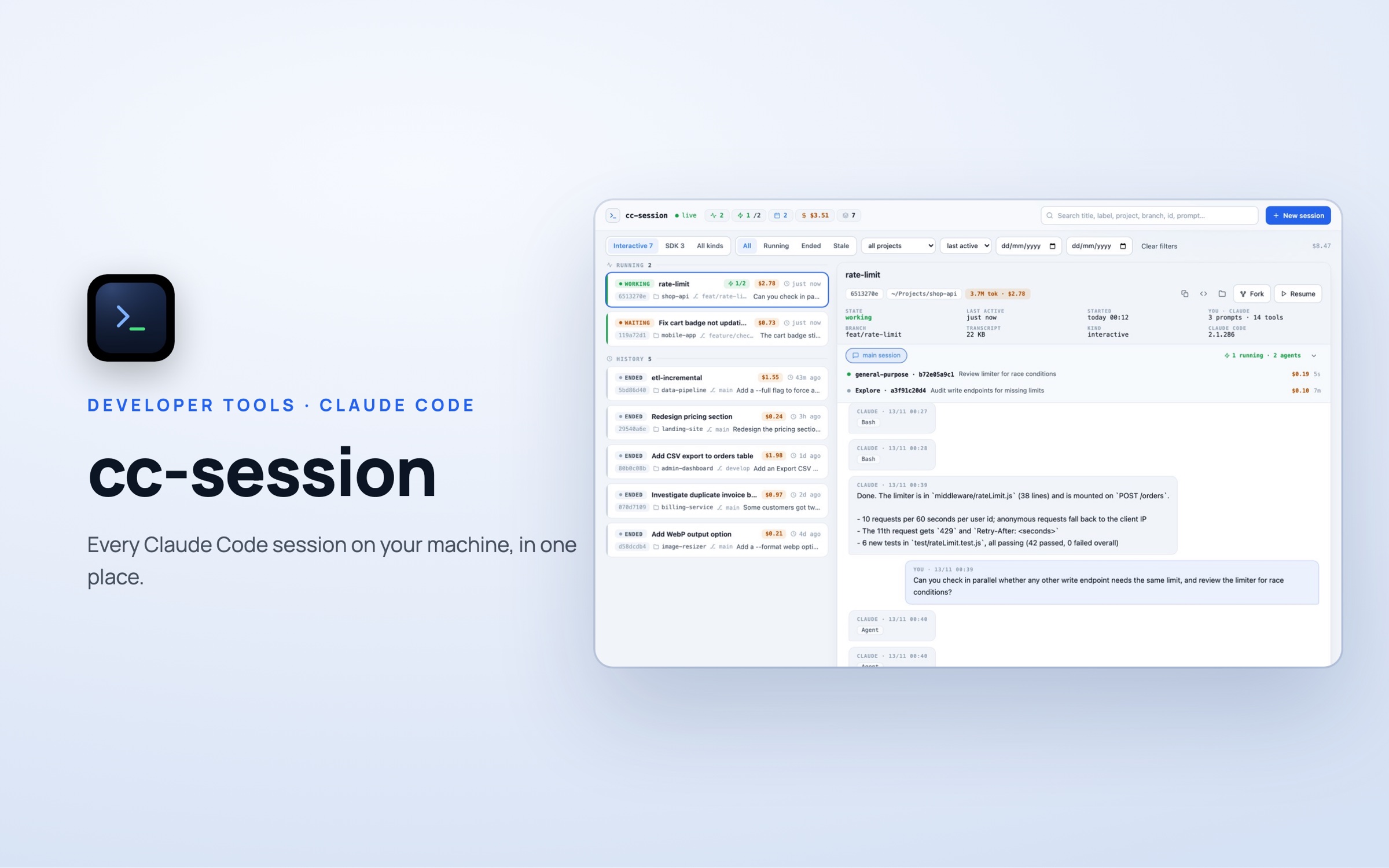 cc-session
Have an idea? Let's make it real.
Tell us the problem you are trying to solve — a proposed solution and roadmap within 48 hours.
Start a project